Installation guide
Assembly and disassembly
Inflatable Screens
Welcome to our page dedicated to detailed instructions for mounting and dismounting inflatable screens. Explanatory videos and step-by-step tutorials.
Tutorial videos
Watch our how-to videos to learn how to assemble and disassemble your Hallucine inflatable screens.
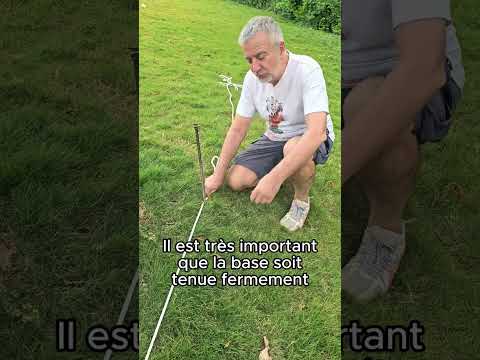
10m wind tunnel screen assembly
Complete tutorial for setting up a 10-meter inflatable windscreen.
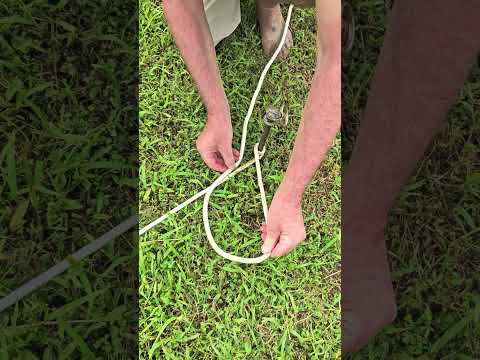
How to attach ropes to stakes
Demonstration of how to attach ropes to anchor poles.
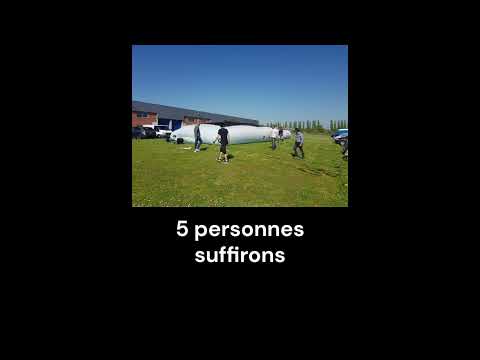
Dismantling the blower screen
How to dismantle and store your inflatable windscreen with ease.
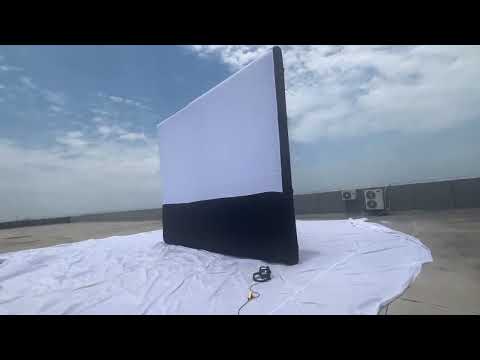
Inflatable screen in action
Discover our inflatable screens for outdoor events.
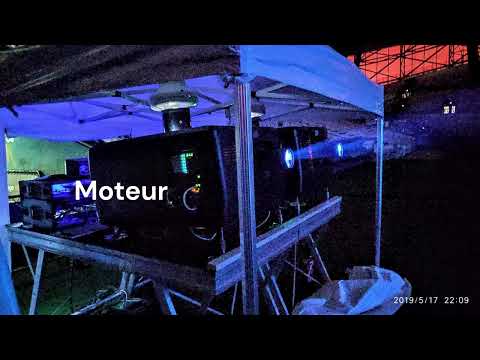
Full assembly tutorial
Step-by-step video guide to installing your inflatable screen.
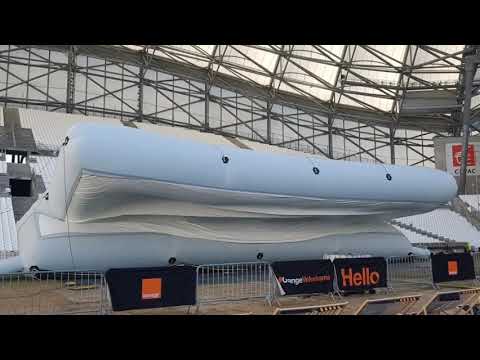
Product presentation
Detailed presentation of our inflatable screens and their features.
Inflatable Screen Installation Instructions
Follow these step-by-step instructions to install your inflatable screen safely.
Delivery content
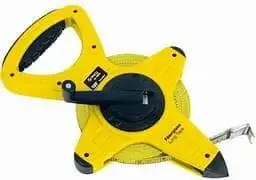
cl1_nom
cl1_desc
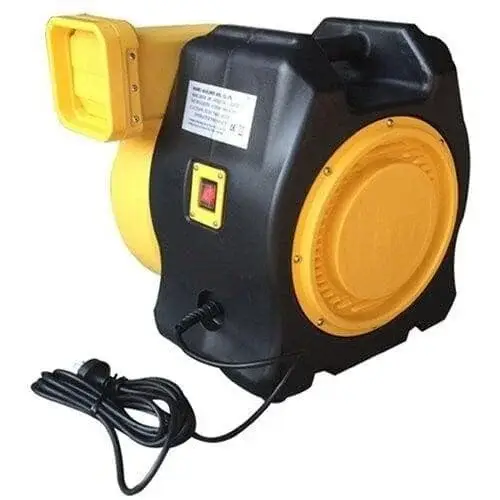
cl2_nom
cl2_desc
cl3_nom
cl3_desc
cl4_nom
cl4_desc
Equipment Necessary But Not Included
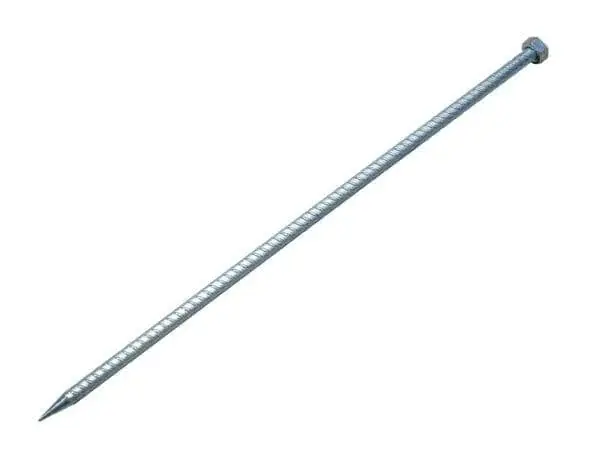 mn1_nommn2_nom
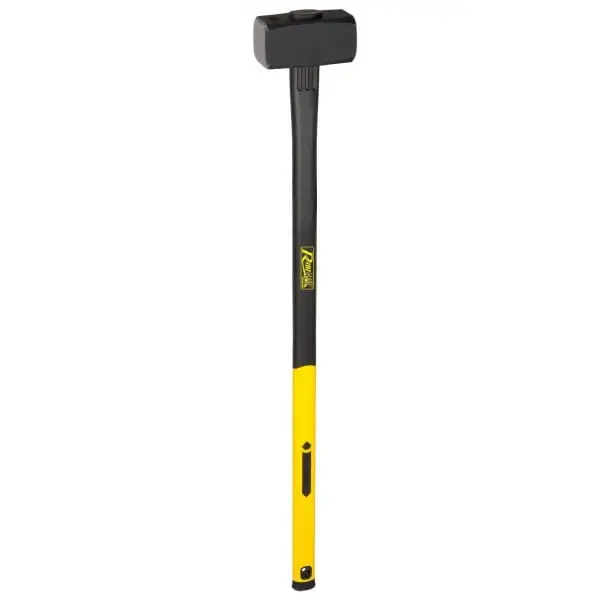 mn3_nom
 mn4_nom
Installation steps
Preparation
- Unroll the green tarpaulin on the ground to protect the area where the screen will be installed.
- Unfold the bag lengthwise onto the tarpaulin, making sure to identify the front of the bag (indicated by a white sticker). Do not open the bag at this stage.

Unfolding the bag lengthwise on the tarpaulin
Securing the screen base
- Take out the 4 ropes from the bag's 4 pockets and deploy them at right angles (open the zips on the pockets).
- Plant 4 anchor stakes, one at the end of each rope.
- Attach the 4 bottom ropes to the stakes to secure the base of the screen. Make sure all 4 ropes are taut. For each post, tie a dead turn, then a single stopper knot.
- The bag, always closed, will be immobilized in the center of the 4 stakes.
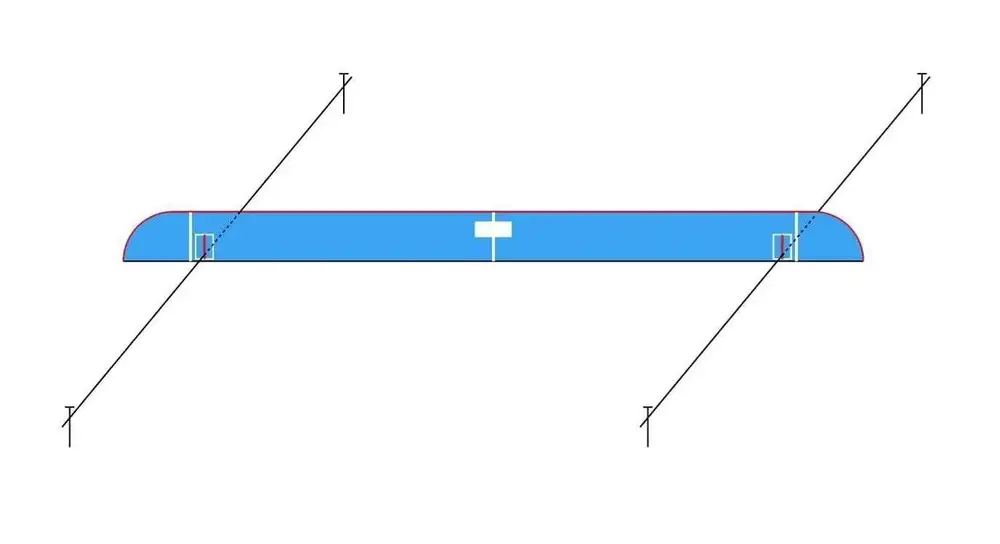
Securing the screen base
Screen deployment
- Open the bag and unfold the screen flat on the floor, with the bracing fabric facing the ground.
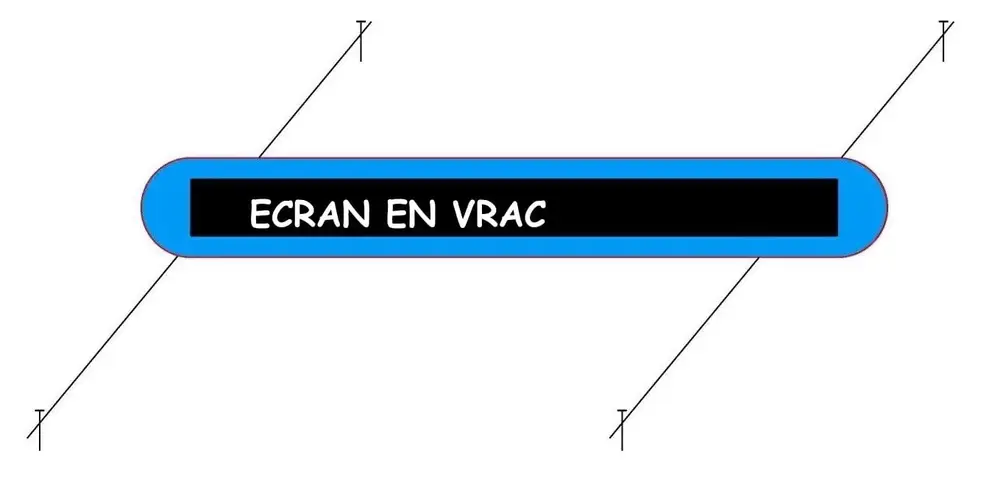
Deploying the screen on the floor
Screen flat on the floor
- The screen is now fully unfolded on the floor, ready for the top strings to be attached.
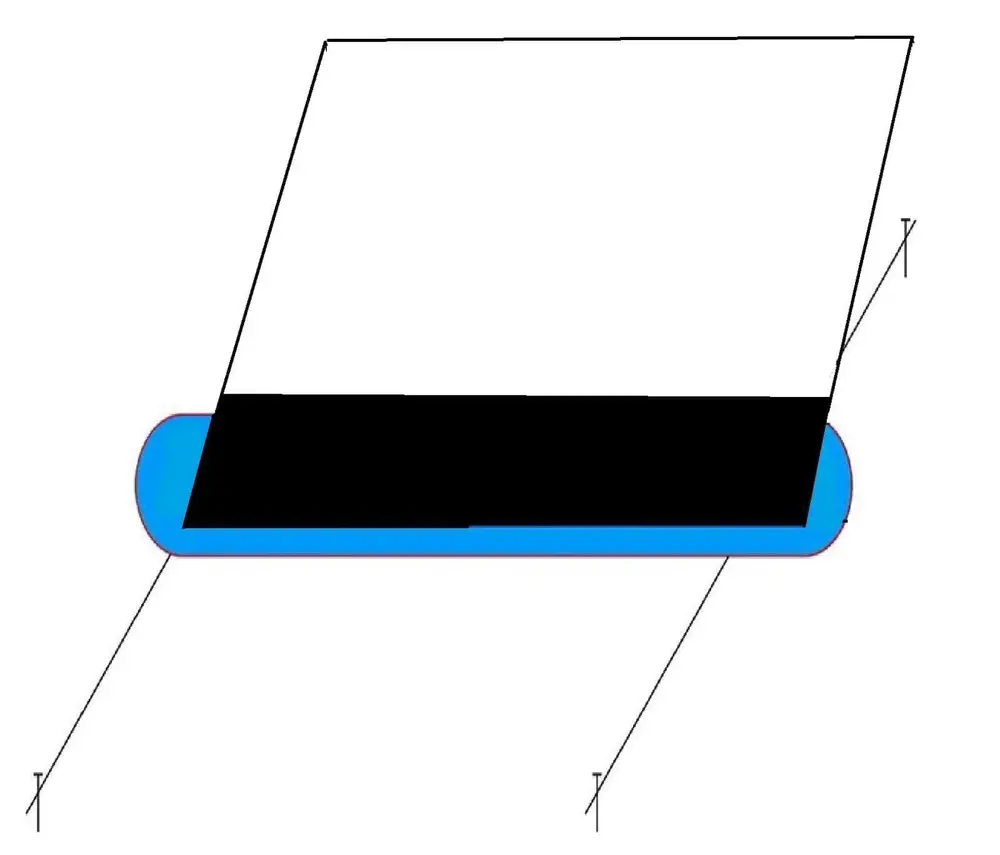
Screen flat on the floor
Fixing the top strings
- Fold the screen in half on itself.
- Attach the 4 ropes to the top of the screen, using the loops provided. Attach two ropes to the right and two to the left, securing them to the same anchor points on the screen.
- Unroll the 4 ropes, directing 2 ropes to the pegs at the front of the screen, and the other 2 to the pegs at the back of the screen.
- Tie the 4 top ropes to the posts, without tensioning them. The length of each rope depends on the distance between the post and the base of the screen (refer to the abacus supplied).
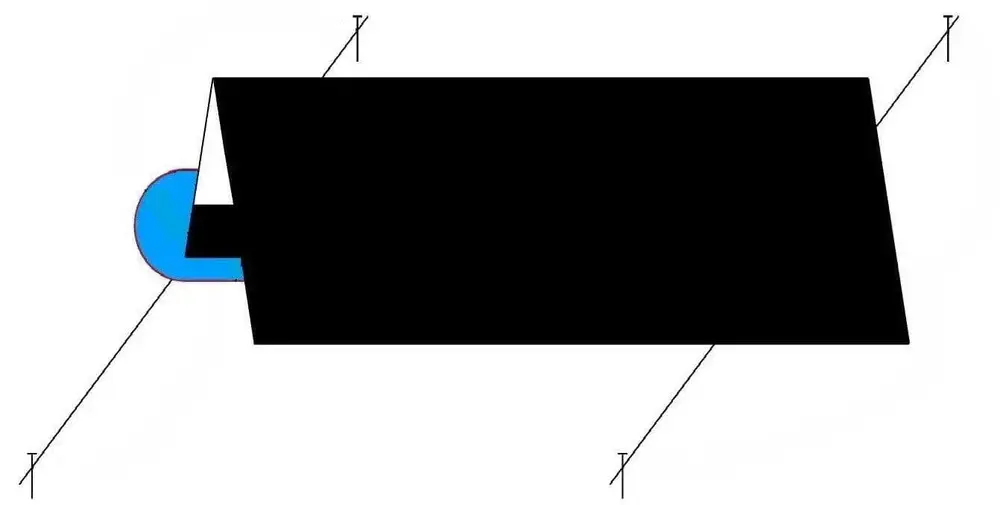
Folding the screen in half on itself
Unwind the 4 strings
- Direct 2 ropes to the pegs at the front of the screen and the other 2 to the pegs at the back.
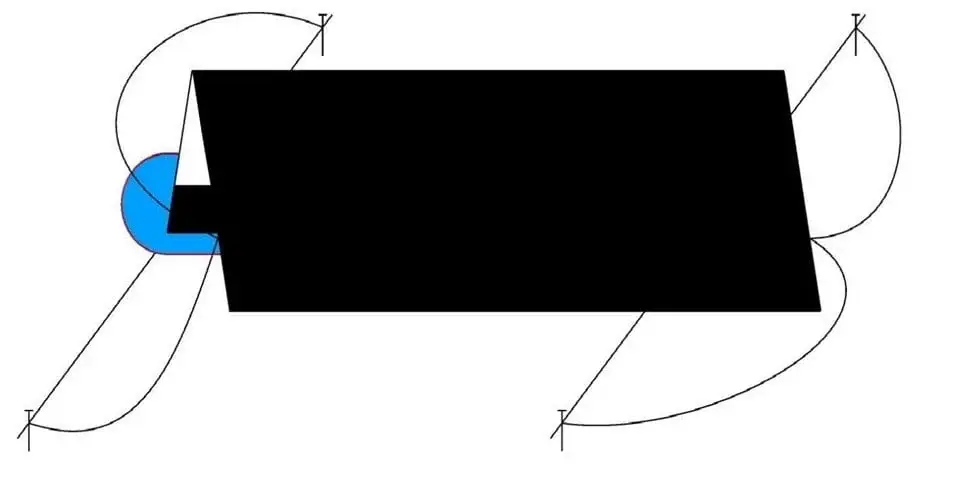
Unroll the 4 ropes towards the stakes
Blower activation
- Connect the blower to the sleeve on the side of the screen.
- Make sure that the zippers on the screen (available in 3 positions: top, bottom and sides of the screen) and the secondary sleeve behind the bottom of the screen are securely closed.
- Switch on the blower: the screen will straighten itself.
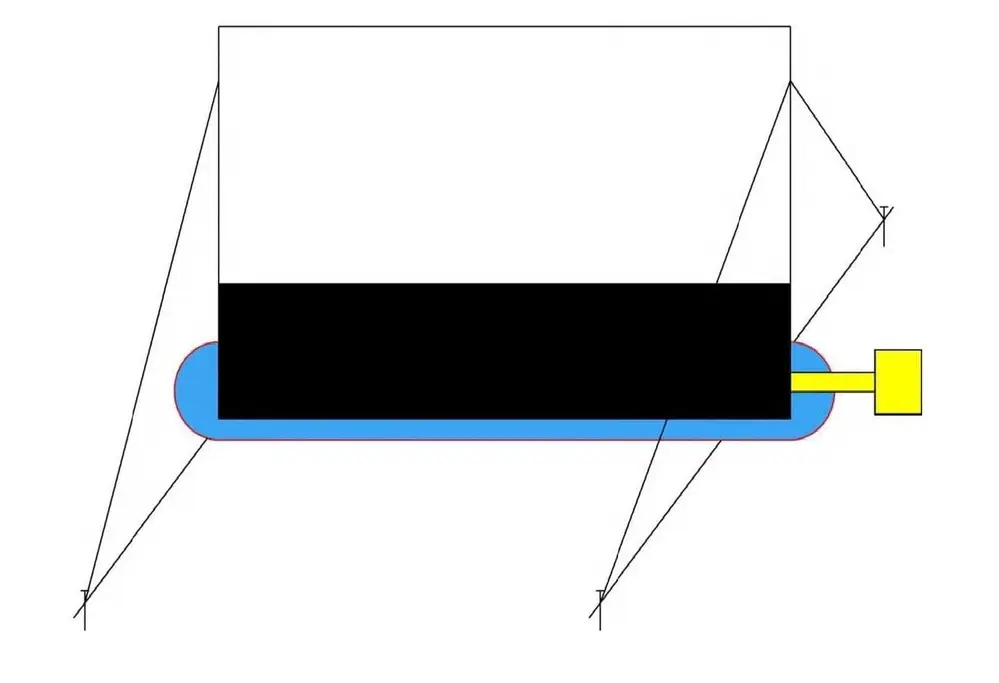
Activate blower - display straightens out
etapes_conclusion
Need more help?
Our team is available to help you install your Hallucine products.